


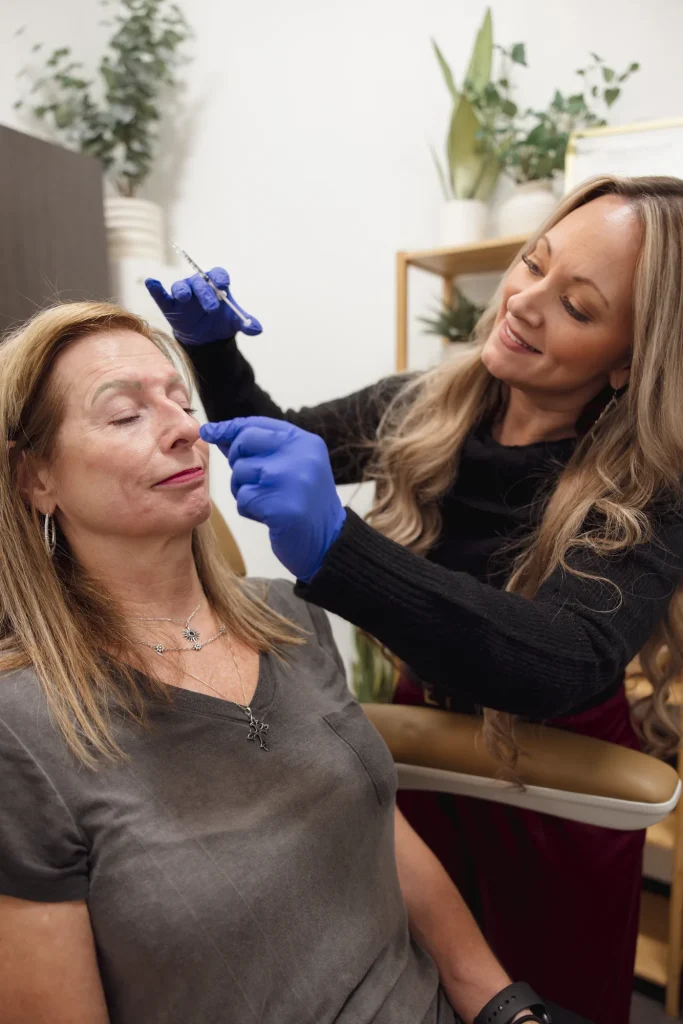
When you apply for your first injector job, a med spa owner will want to see your work. A clean, honest before-and-after portfolio is one of the best ways to show it. But a portfolio built carelessly, with poor lighting, edited images or photos taken without proper consent, can hurt you more than having none at all.
This guide explains how to build a portfolio that is ethical, consistent and useful for interviews and, later, marketing.
Why a Portfolio Matters for New Injectors
New injectors don’t have years of patients behind them. A portfolio fills that gap by showing:
- Your technique. Even, natural results show careful placement and dosing.
- Your judgment. Conservative, well-planned results reassure employers.
- Your professionalism. Standardized photos show you take documentation seriously.
It also helps you learn. Comparing your own before and after photos is one of the fastest ways to improve.
Step 1: Get Written Consent First
Consent always comes before the camera. A treatment consent form is not the same as photo consent. For a portfolio, you need specific written permission that states:
- Which photos will be taken
- How they will be used (chart only, portfolio, interviews, website, social media)
- Whether the face will be shown or cropped
- That the patient can withdraw consent for future use
If you work in a clinic covered by HIPAA, identifiable photos are protected health information. Review the HHS guidance on marketing and your clinic’s policy before sharing anything outside the chart. During training, ask your program how model photos may be used.
Step 2: Standardize Your Setup
Good medical photography is about consistency, not artistic shots. Your before and after photos should look like they were taken in the same place, the same way.
- Background: plain, solid and non-reflective, such as a matte blue, gray or white wall.
- Lighting: even, soft light from the front. Avoid overhead lights that create shadows and windows that change through the day.
- Camera: the same phone or camera, at the same distance and height, every time. Mark a spot on the floor for the patient and for you.
- Patient prep: hair pulled back, no makeup or jewelry, a neutral expression.
Step 3: Take the Right Angles
Use the same set of angles for every patient:
- Front view (straight on)
- Left and right 45-degree views
- Left and right profiles (90 degrees)
For neurotoxin, add animation shots: frowning, raising eyebrows and smiling, so the reduction in movement is clear. For lip filler, add a close-up of the lips at rest and smiling.
Step 4: Time Your “After” Photos
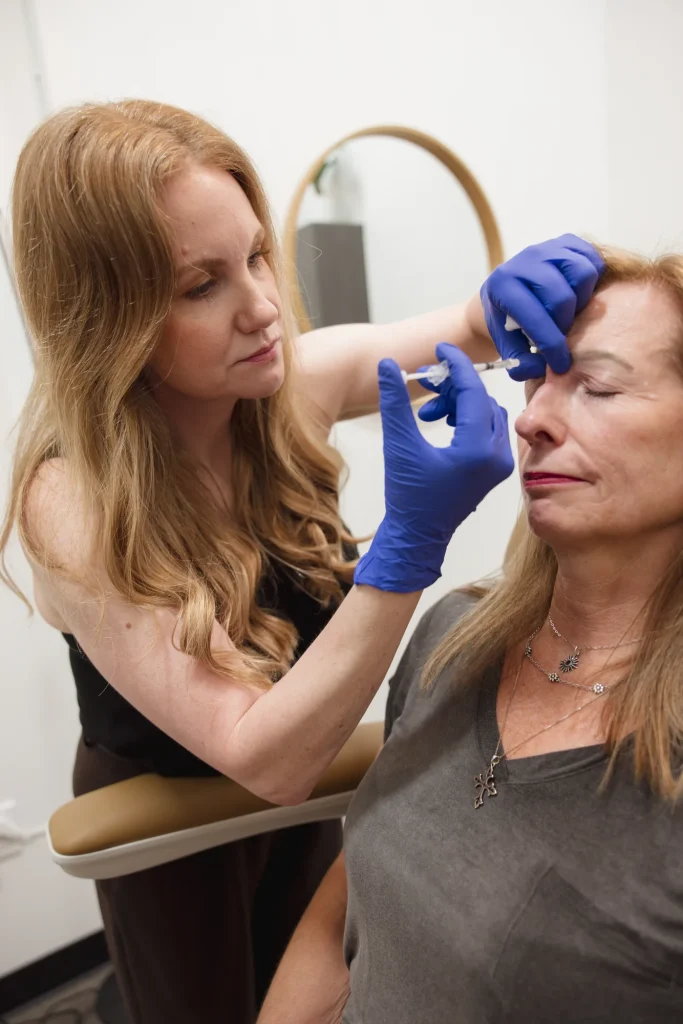
Results take time to settle, and photos taken too early can look worse or better than reality.
- Neurotoxin: usually photographed at the two-week follow-up, when results have settled.
- Dermal filler: an immediate photo is useful for the chart, but the portfolio image is usually taken after swelling resolves, often at about two weeks.
Follow your clinic’s protocol, and note the timing on each image.
Step 5: Never Edit the Results
This rule matters for ethics, patient trust and your reputation.
- No filters, smoothing, face-tuning or retouching.
- Don’t change lighting, angle or makeup between before and after.
- Cropping to remove identifying details is fine, as long as it’s done the same way on both images.
Altered results can mislead patients. The FTC’s Endorsement Guides also say advertising should not give a false impression of the results people can generally expect. If you later use photos in marketing, label them honestly with the treatment and timing.
Step 6: Organize and Store Securely
- Keep photos in your clinic’s secure, approved system, not your personal camera roll.
- Label each set: treatment, product type, amount, date and timing (“2 weeks after neurotoxin”).
- Store consent forms with the photos so you can prove permission at any time.
- Delete images from personal devices once they’re uploaded.
What to Include in an Interview Portfolio
Keep it short and strong. Ten to fifteen sets are plenty for a new injector:
- A mix of neurotoxin and filler cases
- Natural, conservative results rather than dramatic changes
- Clear labels for each set
- Only cases where you have the right consent for this use
Bring it as a printed booklet or on a tablet, and be ready to talk through any case: what the patient wanted, your plan and what you would change next time.
Use Your Photos to Improve Your Technique
Your portfolio is not only for employers. It is one of the best learning tools you have. Once a month, sit down with your photo sets and look for patterns. Are your results even on both sides? Did one brow lift more than the other? Did a lip treatment look natural at two weeks, or slightly overfilled? Write short notes for each case about what you would keep and what you would change.
If you can, review cases with a mentor, a senior injector or your medical director. Ask them to point out what they see. Over time, you will build your own reference library that shows how different faces respond to different doses and placements. That kind of reflection is how new injectors become confident, consistent injectors.
Common Mistakes to Avoid
- Using photos without portfolio-specific consent
- Mixing different lighting or angles between before and after
- Showing only dramatic results
- Posting patient photos on personal social media
- Claiming another injector’s work as your own
Where to Get Your First Portfolio Cases
Your first cases usually come from training. At Injector Training Academy, both programs include supervised work on live models:
- Injector Certification Program: online course plus a one-on-one hands-on day with 3 neurotoxin and 3 filler models.
- Aesthetic Injector Internship: 12 weeks, 80+ hours, 6 neurotoxin and 6 filler models, unlimited shadowing at all nine locations, plus marketing and social media help.
Ask your trainer how model photos may be used before training begins.
Start with our self-paced online Botox training course, which includes photography guidance, then book hands-on training in Dallas, Fort Worth, Plano, Colleyville, Argyle, Waxahachie, Austin or The Woodlands. As your skills grow, advanced courses such as the Lip Filler Masterclass or our penile injections training course add new categories to your portfolio. Specialty work like penile injections needs especially careful consent and privacy handling.
Frequently Asked Questions
Can I use photos from my training models in my portfolio?
Only if the models signed consent for that specific use. Ask your training program about its photo policy before your hands-on day.
When should I take “after” photos?
For neurotoxin, usually at the two-week follow-up. For filler, take an immediate chart photo and a portfolio photo once swelling settles.
Is it okay to edit before-and-after photos?
No. Don’t use filters or retouching. Only crop for privacy, and crop both images the same way.
Your Next Step
A strong portfolio starts with your very first patient. Set up a simple, consistent photo routine now, get the right consent every time, and your work will speak for itself.
Written by Kiara DeWitt, BSN, RN, CPN, Founder, President and Faculty Instructor at Injector Training Academy.
Disclaimer
Medical Disclaimer: The content on this page is for general educational and informational purposes only. It is intended for licensed healthcare professionals and is not medical, legal or financial advice. It is not a substitute for professional clinical judgment, and it is not meant for patients to use when making treatment decisions. Aesthetic procedures, including neurotoxin, dermal filler, PRP and PDO thread treatments, carry risks and must be performed only by appropriately licensed professionals within their scope of practice and under the medical supervision required in their state. Scope of practice, delegation and supervision rules vary by state and change over time, so confirm current requirements with your state licensing board, such as the Texas Board of Nursing or Texas Medical Board. Completing a training course or receiving a Certificate of Completion does not grant a license or expand your legal scope of practice, and it does not guarantee employment, income or specific clinical results. Links to outside websites are provided for reference only and do not imply endorsement. Information is accurate to the best of our knowledge at the time of publishing.